- Details
- Hits: 4952
A new version of the IDE is available via the update site and has a zero installation download now. The main reason for this release is that I could finally track down the bug in creating the disk images for Apple II.
Fixes
- Automatic creation of ".DSK" disk images for Apple II works correctly.
- The dirty indicator in Graphics Editor is now updated correctly.
New detailed documentation section, "Annotations for Compiling".
- Add
com.wudsn.ide.asm.hardwarefor compiling with different target platforms. - Add
com.wudsn.ide.asm.mainsourcefilefor compiling complex projects with included files. - Some more annotations are planned for the next release.
New and extended FAQs:
- How do I associate my source file extensions with the correct editor?
- Why do I have to put "
;@com.wudsn.ide.asm.hardware=..." in the source file? - How do I compile into disk images?
- How can I use other emulators?
- Details
- Hits: 3560
One of the reasons why I created WUDSN IDE is to make it easy for people to (re)start working with 6502 assembly language for their beloved Atari, C64, or other machines. As you can see in Tutorial Part 1, the installation from scratch is easy and fast.
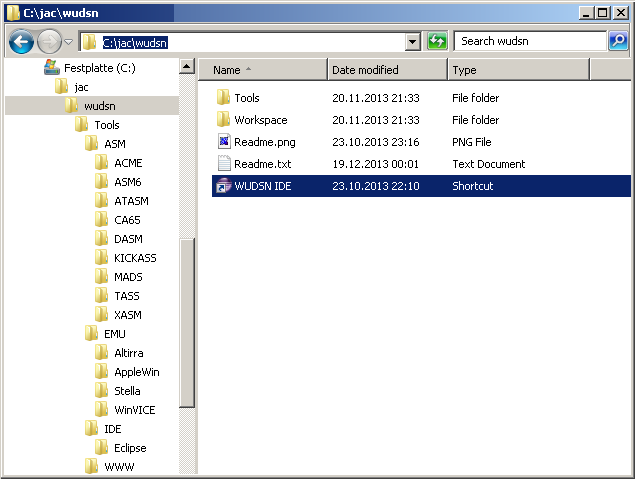
To make your initial steps even more accessible, I now provide a ready-to-run zero installation distribution named "wudsn-ide-win64.zip" for Windows 64-bit operating systems. It contains the Eclipse Platform, the latest stable version of the WUDSN IDE plugin, all supported compilers, and an emulator for each supported platform. All paths to folders, compilers, and emulators are pre-configured. Unpack the content of this archive to the directory "C:\jac\wudsn" and click the "WUDSN IDE" link - That's all. Eclipse will open with the predefined workspace that contains "Hello World" examples for different platforms. You can adapt, compile, and run the samples with a single click.
- Details
- Hits: 3447
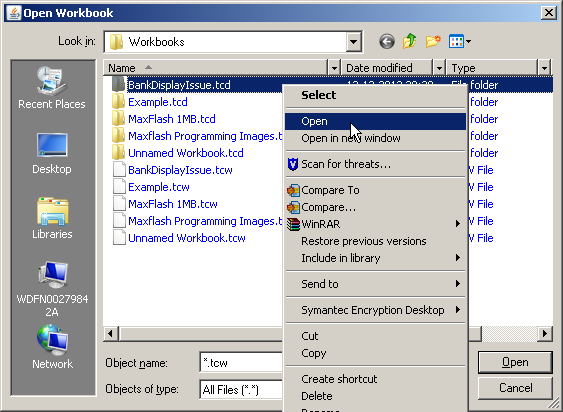
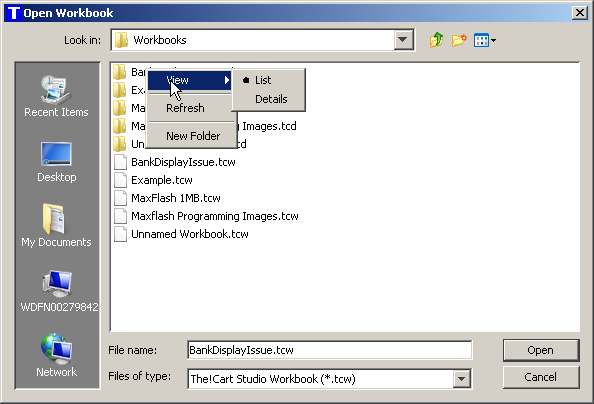
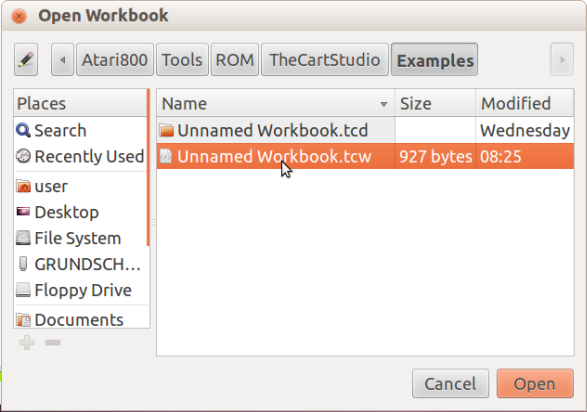
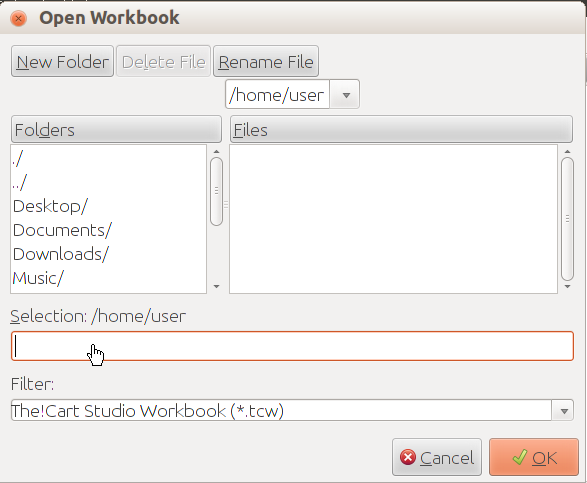
There have been many updates in the past two weeks. You can read the full details on AtariAge. Today, I have replaced the standard Java file chooser with its implementation, which uses the native dialogs of the underlying operating system. The main difference on Windows is that the context menu for files and folders works in the dialog window. The main difference on Linux is that the dialog looks like a real file chooser now, unlike some crap a teenager did as homework in the afternoon. In addition, the display of the banks now adapts better to the available screen size, so the bank blocks are displayed with larger blocks.
Windows: new versus old; click to enlarge.
Linux: new versus old; click to enlarge.
- Details
- Hits: 5737
Today, this outstanding release by p01 made me think about where I have the link to one of my favorite quotes. I finally found it in Ben Armstrong's Virtualization Blog. I also included it as a screenshot, as you never know how long these blogs remain. 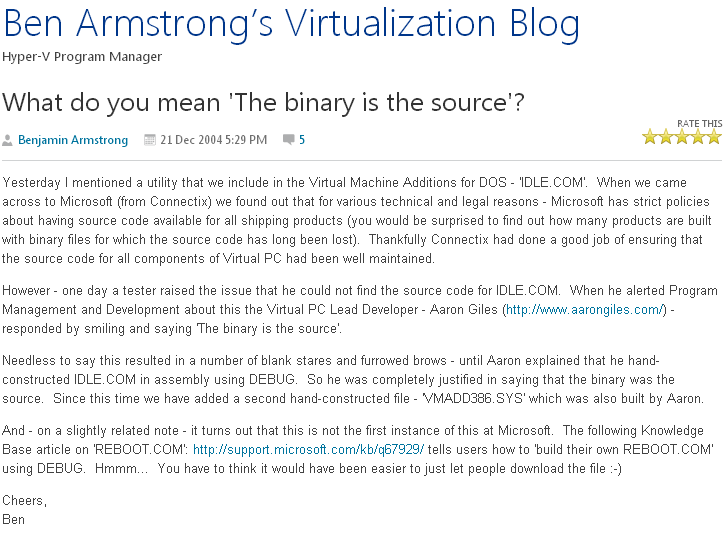
- Details
- Hits: 3578
After a long struggle with hardware, codecs, and recording & editing software, I finally managed to have a system setup where recording videos is as easy as I always wanted to have it. So, I decided to finally start the tutorial series on Programming the Atari XL/XE that I had always planned.
This tutorial series complements the general tutorial on using WUDSN IDE with the Atari XL/XE computer knowledge. The purpose of the tutorial is to show interested people how easy it is to control the text screen, character set, colors, graphics screen, and sound with just a few lines of code. Starting is very easy.
The tutorial series consists of short (5-10 minute) videos. In each video, I develop and explain the code live to show you the evolution of the source and the immediate result on the Atari. Seven videos of the about 12 planned videos are now available. You can ask questions and post feedback via this thread on AtariAge, YouTube comments, or e-mail. Once I finish the basic stuff, I'll create individual videos for the topics you ask for.
The following videos are now available on the YouTube playlist: